
pyndu
2026-08-12•1 min read•
Design
Figma 101

Figma 101 : Understanding the Tool
First of all, you need to have an account to start designing on Figma. I used my google account to sign in.
Let’s start by creating a design file.
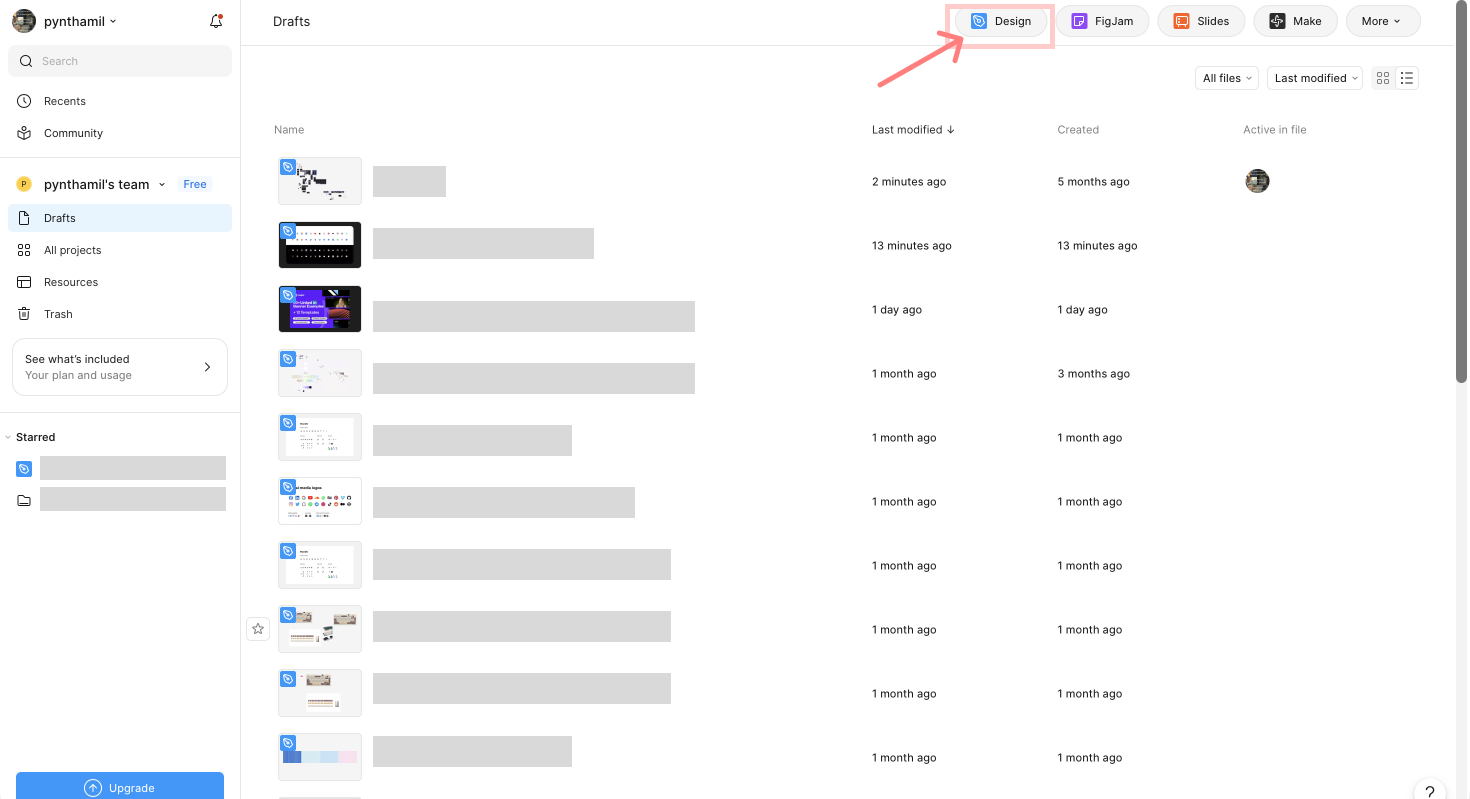 Figma 101
This is what it looks like inside the design file.
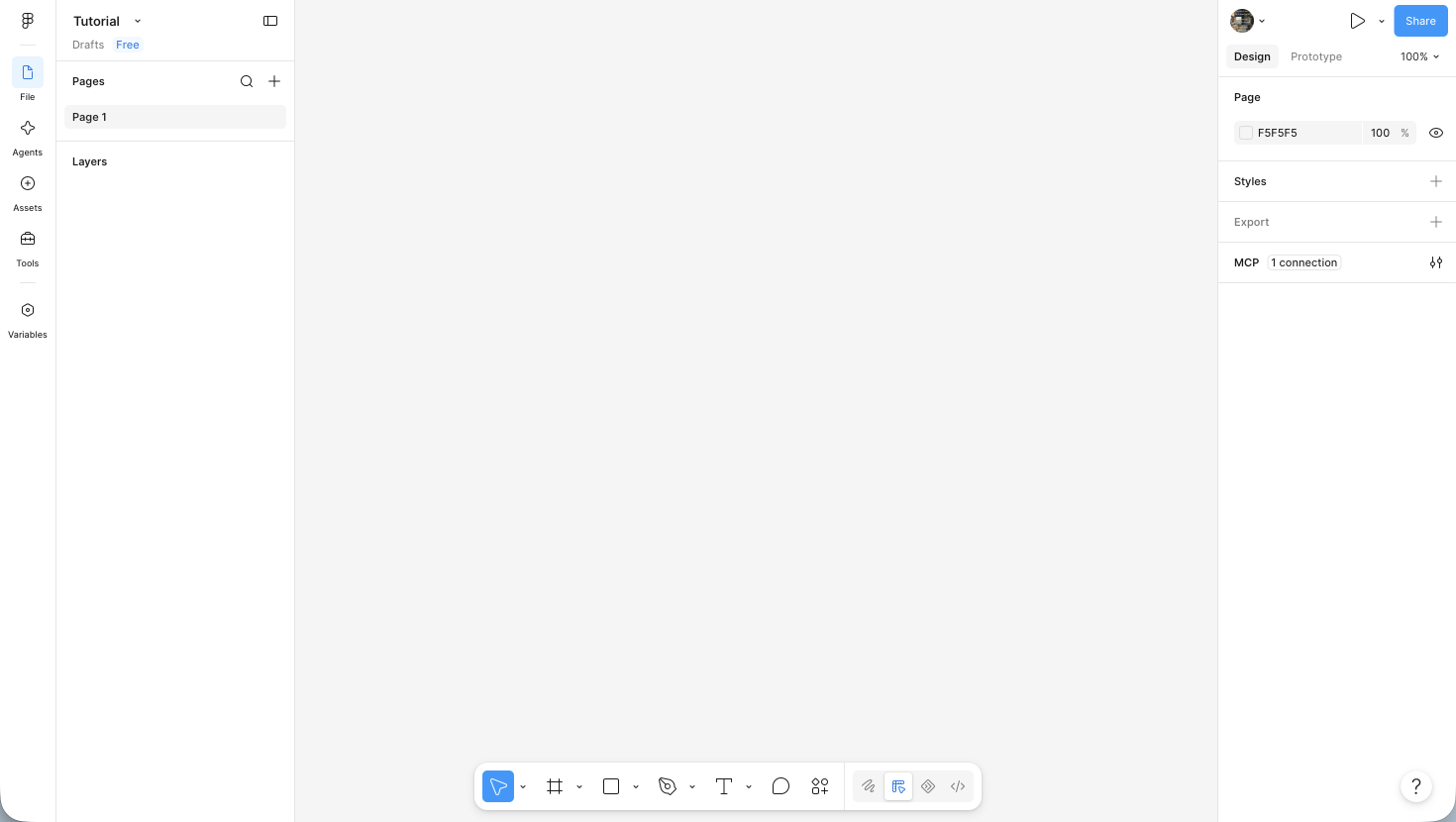 Inside the design file
Next, let us create a frame which will be the base on which we will be working on.
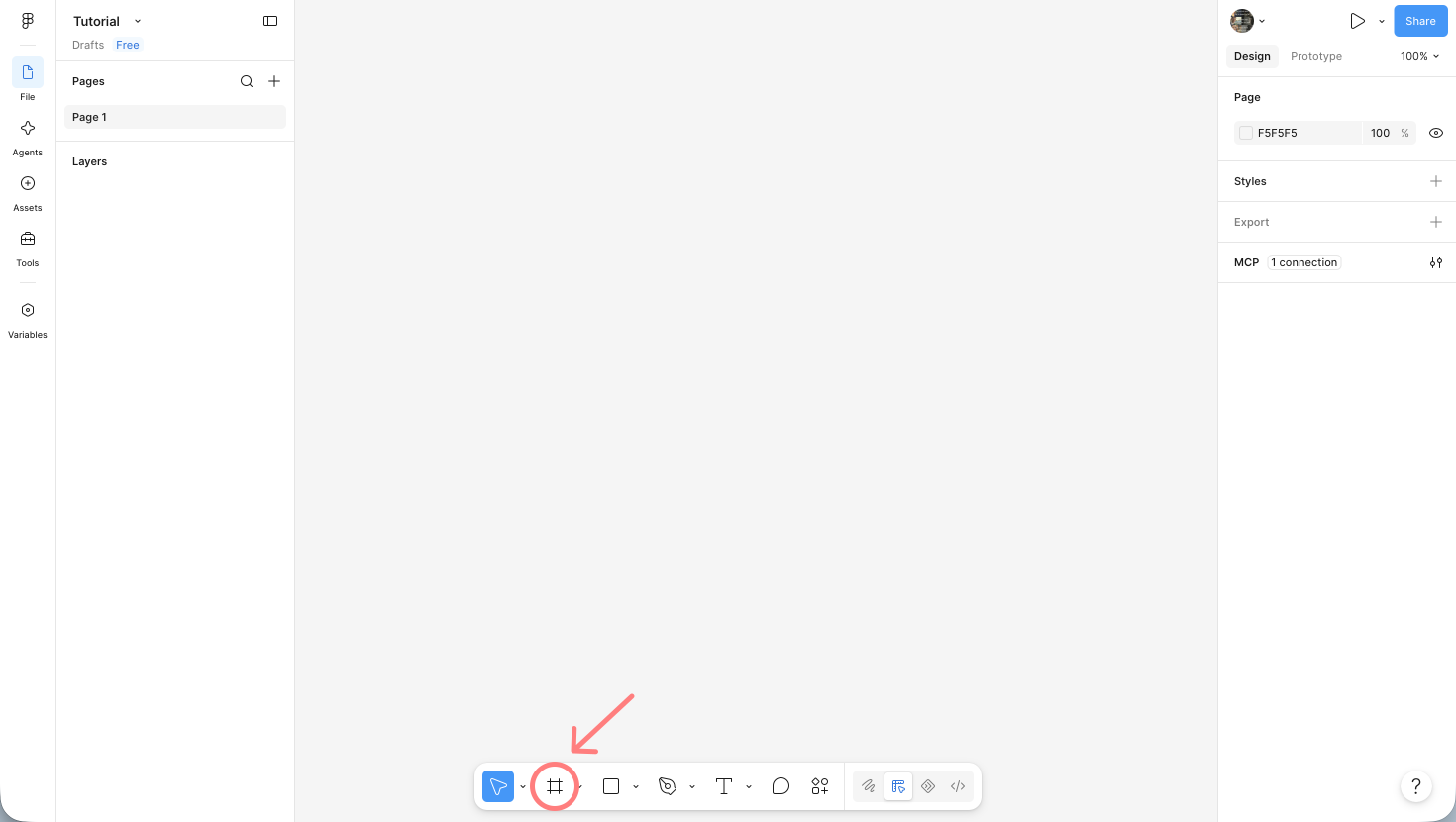 Creating a frame
There a lot of options like desktop, mobile phone, watch etc.
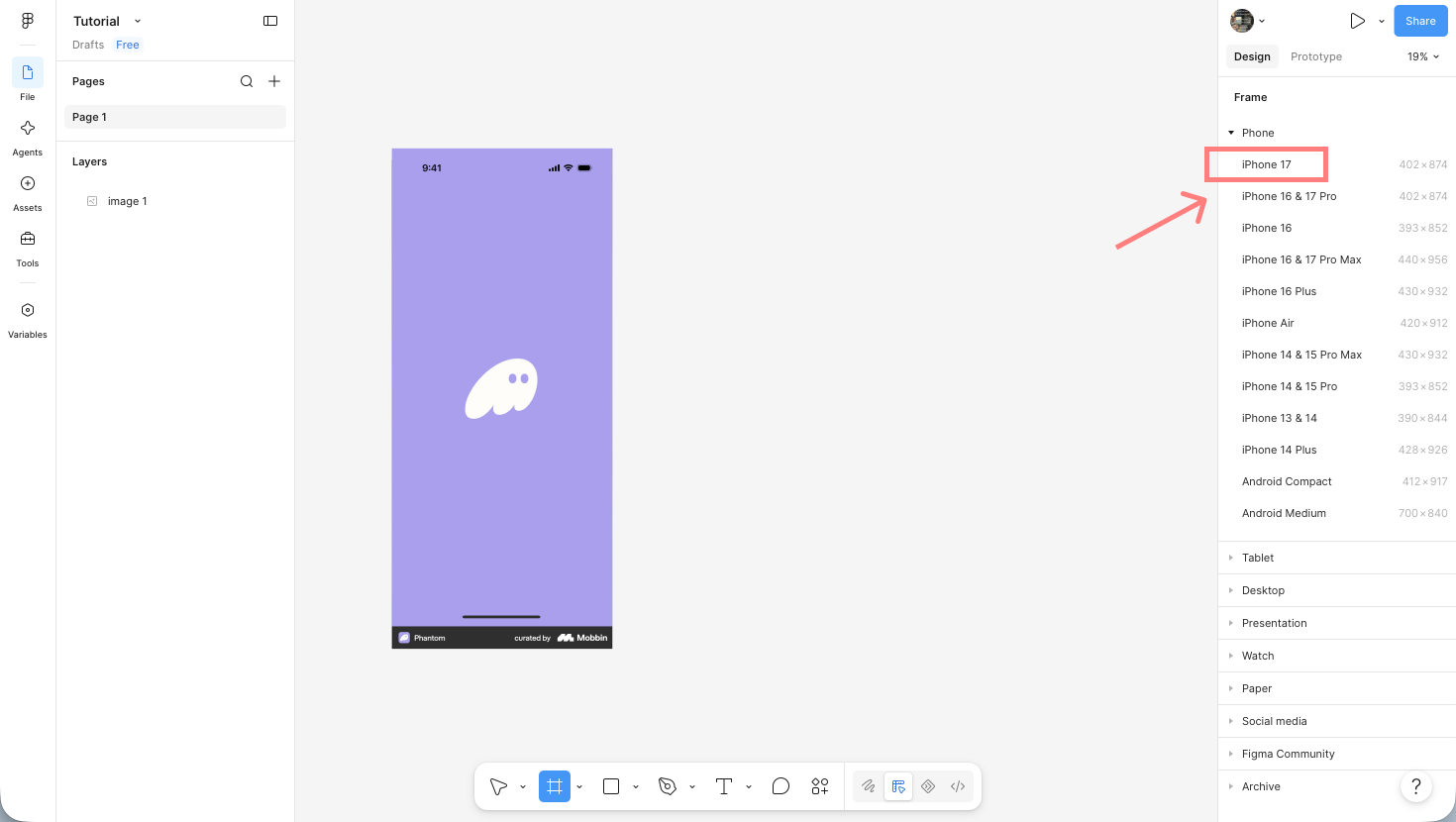 Frame options
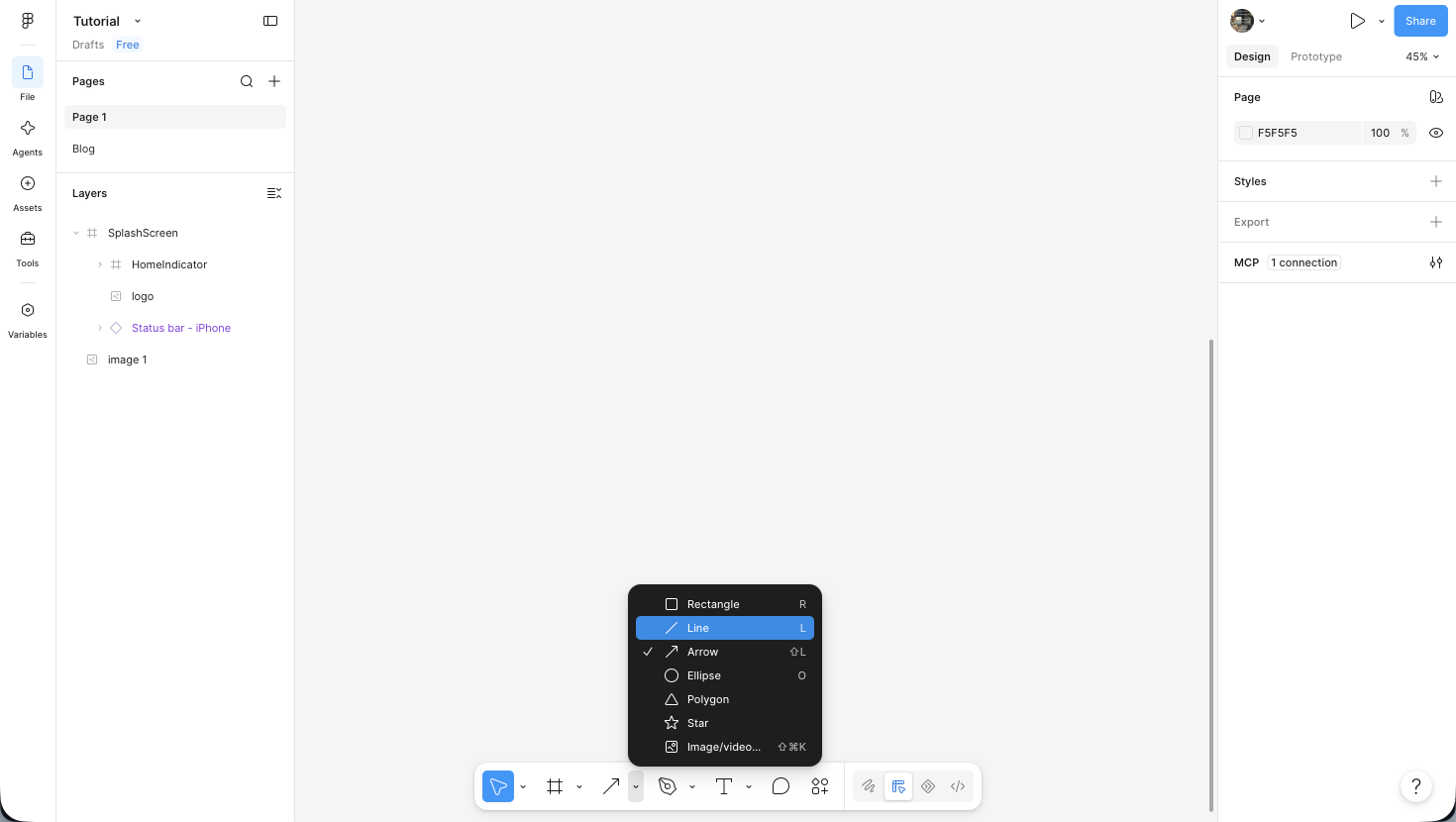 Shapes
Now let’s talk about shapes and colours.
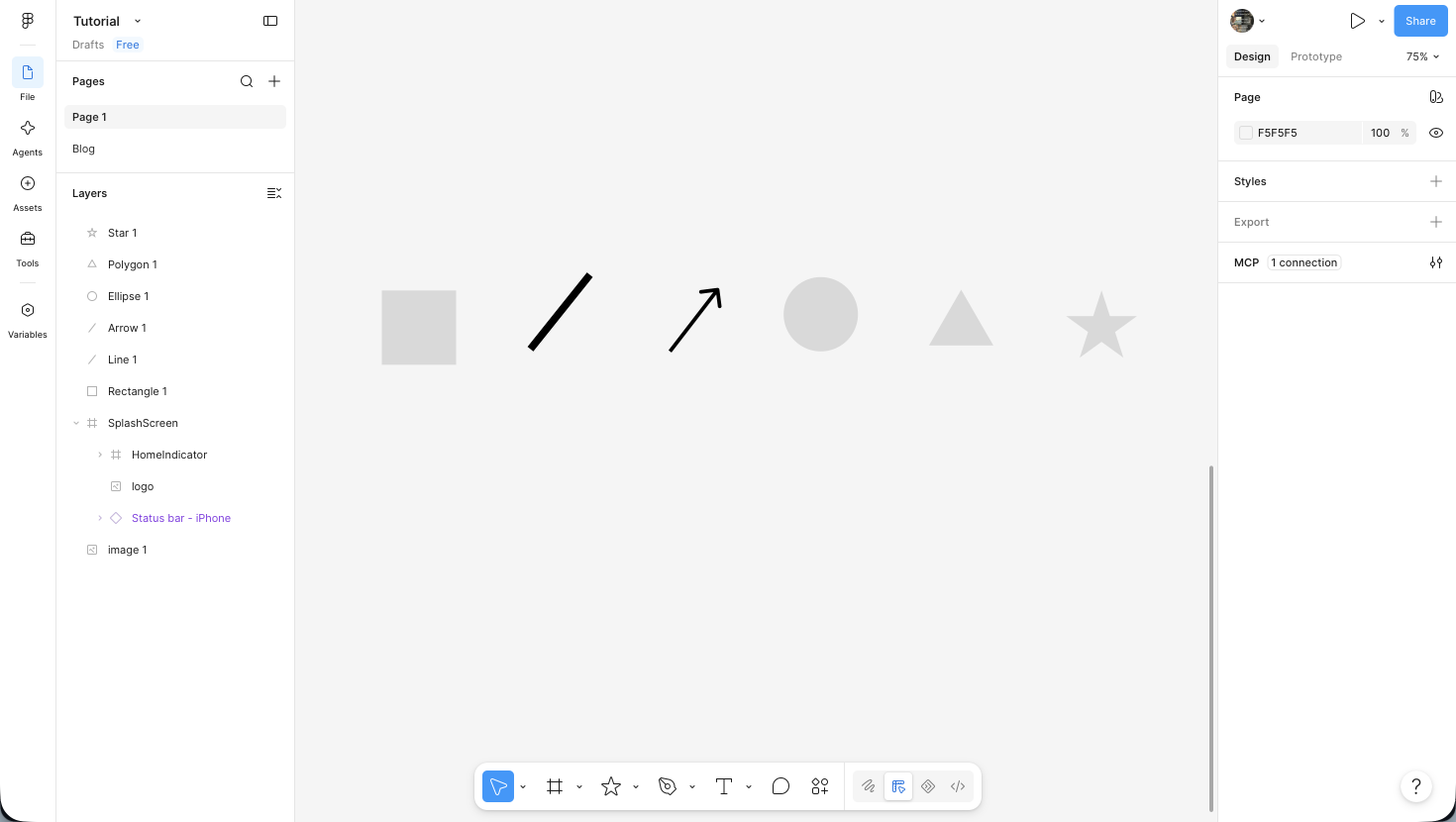 Shapes
Text.
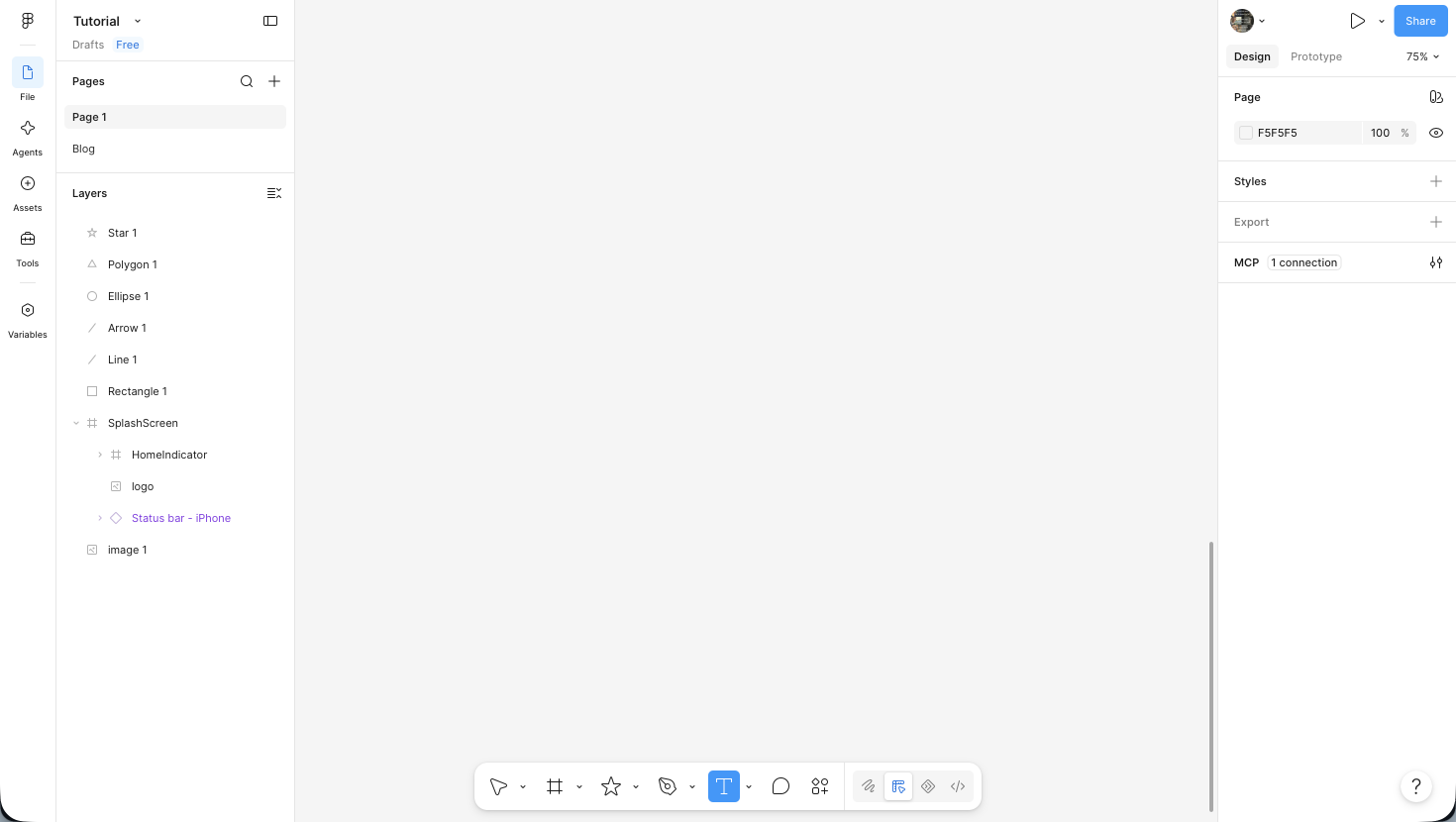 Text tool
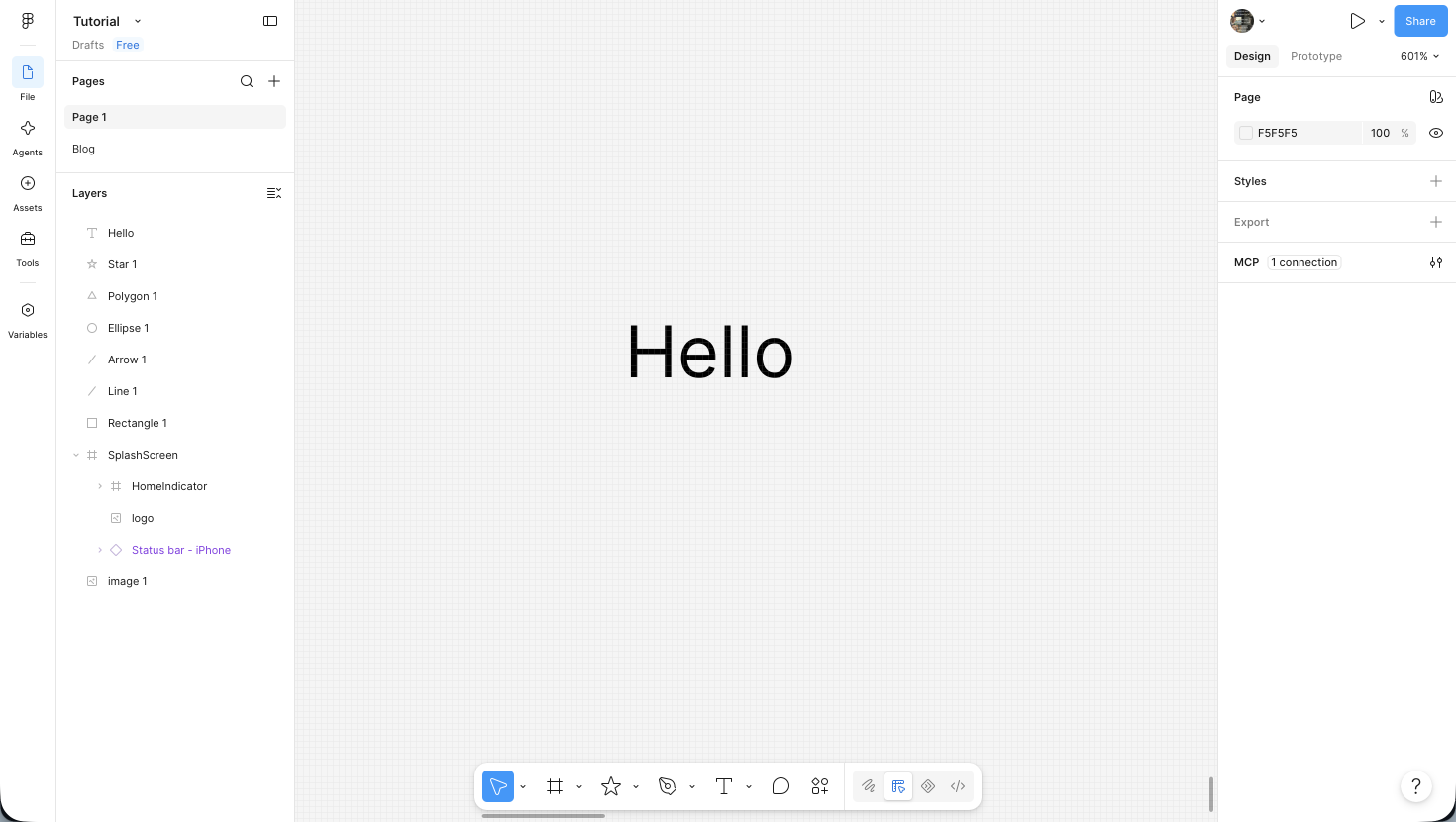 Text
Assets.
Layers.
Exercise:
Create a splash screen and a simple welcome screen.


Join the conversation
Share your thoughts, ask questions, or just say hi! Your email remains private.
Loading comments...